2025 · INTERNAL TOOLS | WORKFLOW AUTOMATION
PO Automation Platform
Replaced a paper-based purchase order process at Immaculata-La Salle High School: 200+ monthly transactions, dual-approval routing, and automatic PDF generation.
Built at Immaculata-La Salle High School
Tech Stack
Overview
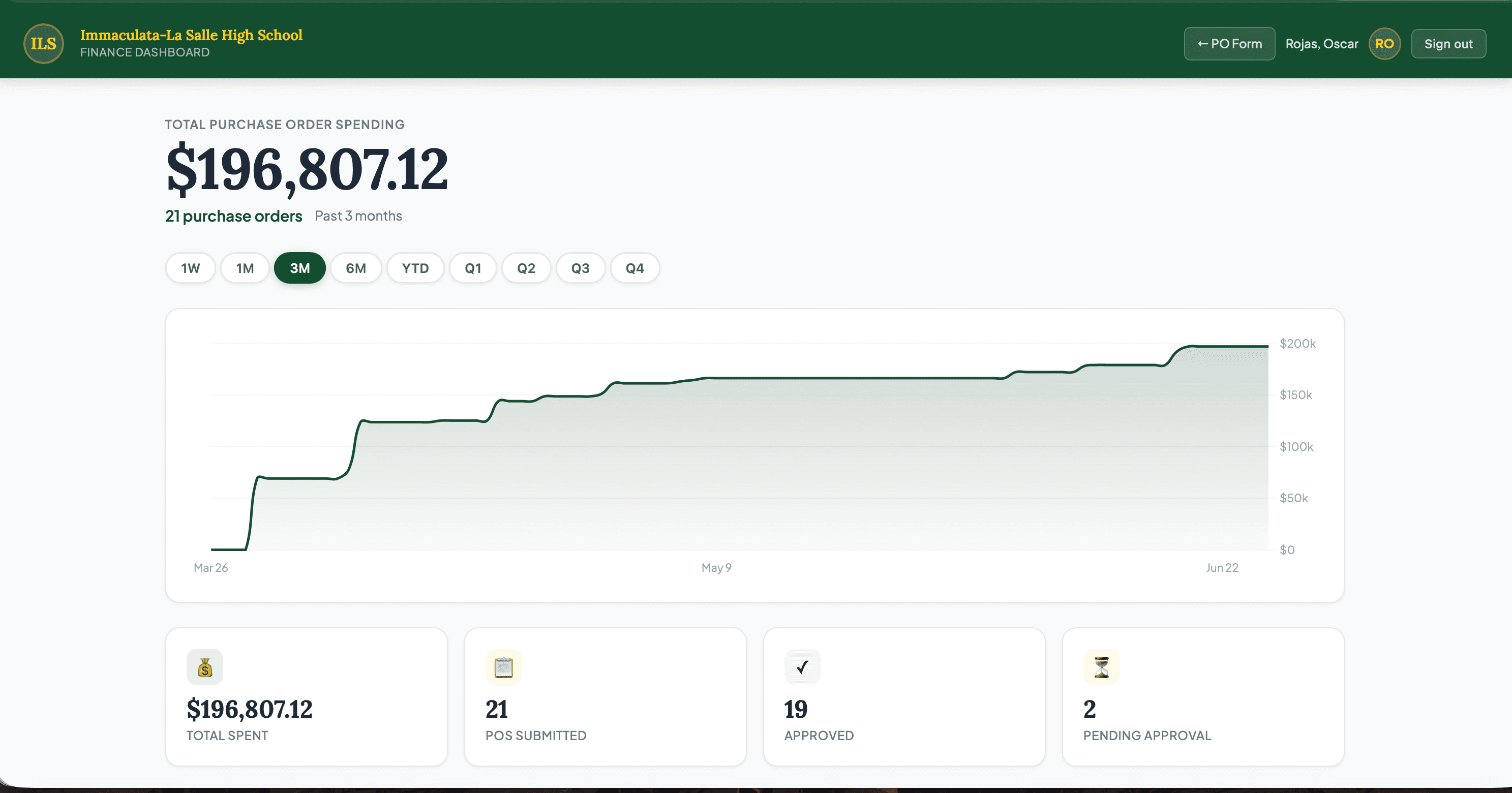
The school ran purchase orders through paper forms, routed them manually, and filed PDFs by hand. I replaced that with a SharePoint backend, a Power Automate pipeline that routes approvals by department and dollar threshold, and a dashboard where staff can track every request. PDFs generate automatically when an order is approved. The fiscal year resets on July 1, with no manual rollover required.
Impact
Who it serves: Every department head and approver who submits or routes a PO, plus Finance (roughly 20-30 staff school-wide)
Before
Purchase orders ran through paper forms routed by hand across departments, with no shared view of where a request stood or who needed to approve it next, and completed POs were filed as loose PDFs.
After
Every PO routes automatically by department and dollar threshold, generates its own PDF the moment it's approved, and any staff member can check a live status instead of asking around.
Est. Annual Cost Saved
$10,000/yr
Estimate, not an audited figure. Methodology and sources are disclosed above for each comparable product.
What I Built
- Dual-approval workflow routing by department and amount threshold
- Automated PDF generation and email notifications via Power Automate
- Fiscal year rollover that resets automatically on July 1 each year
- MSAL authentication, so only authorized staff can access the dashboard
- SharePoint REST API for attachment handling and list management
- SPA dashboard showing PO status, history, and filters
- Custom domain deployment on the school's own domain
What I Learned
Hardened authentication after a security review
SharePoint REST API pagination and attachment handling at scale
Fiscal year state management without a traditional database
Building multi-stakeholder approval flows where each approver has different data visibility