2026 · INTERNAL TOOLS | HR
HR Ticketing System
An HR case-management portal for Immaculata-La Salle: automatic priority scoring, confidential case handling, and a full admin console for the HR team.
Built at Immaculata-La Salle High School
Tech Stack
Overview
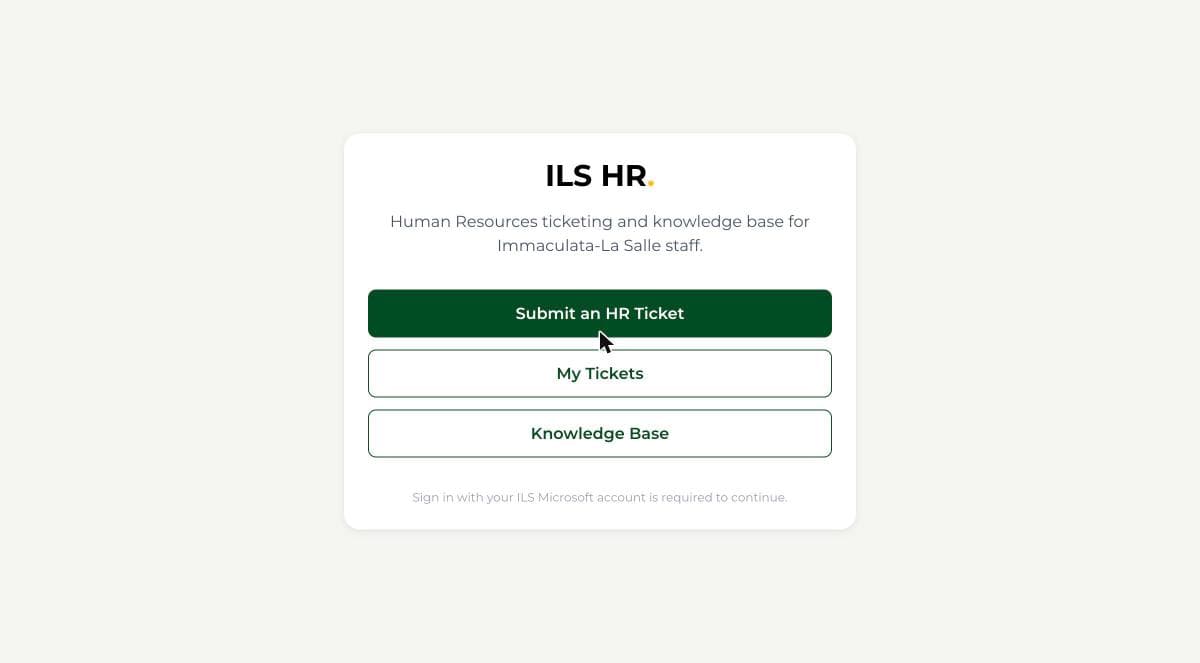
HR issues at ILS had nowhere purpose-built to go: no shared queue, no case history, and no consistent way to keep a sensitive matter like a harassment complaint or a medical/FMLA request appropriately confidential. I built a dedicated case-management system for ILS's HR department: any staff member signs in to submit a ticket, and a scoring engine assigns a priority automatically from its category, subcategory, and request type, then routes it to the right HR handler. The most sensitive tickets stay visible only to the HR admin they're assigned to, reflecting how much more sensitive HR data is than a typical IT ticket.
Impact
Who it serves: All ~100 ILS staff who can submit a ticket, plus the HR admins managing every case
Before
HR issues went through email, phone calls, or in-person conversations, with no shared case history and no way to keep a harassment complaint or a medical/FMLA request meaningfully more confidential than any other email thread.
After
Staff submit a ticket that's automatically scored and routed, HR triages everything from one console, and the most sensitive matters stay visible only to the handler they're assigned to.
Est. Annual Cost Saved
$3,300/yr
Estimate, not an audited figure. Methodology and sources are disclosed above for each comparable product.
What I Built
- Ticket taxonomy: 12 categories (Employee Relations, Attendance & Leave, Payroll & Compensation, Benefits, and more) with per-category subcategories and 6 request types
- Automatic priority scoring at intake across multiple tiers, each with its own SLA response window, always overridable by an HR admin
- The most sensitive tickets stay visible only to the assigned handler, not the wider HR team
- Admin console: filterable ticket queue with aging/overdue indicators, per-ticket internal notes never visible to the employee, a self-service Knowledge Base, and per-category routing rules
- Reports dashboard: ticket volume, average resolution time, and SLA compliance over a selectable date range
- Weekly email digest to HR admins, plus status-change and reply notifications to employees
What I Learned
Confidential tickets needed a specific onboarding edge case worked out before they could be claimed and routed correctly. Found and fixed during end-to-end testing before launch.
Handling confidentiality for the most sensitive tickets meant rethinking an approach that hadn't scaled well on a prior project, since SharePoint's native permission model doesn't fit this use case at the granularity needed.
Never auto-assign the Critical priority. True life-safety or legal emergencies need a human judgment call, not a keyword-matched rule, so only an HR admin can escalate a ticket to Critical manually.