2026 · INTERNAL TOOLS | EVENT OPS
Senior iPad Swap
A once-a-year event tool for the day seniors trade in their old iPad for a new one: student intake, corner-specific staff check-in stations, and a finance desk, all in one app.
Built at Immaculata-La Salle High School
Tech Stack
Overview
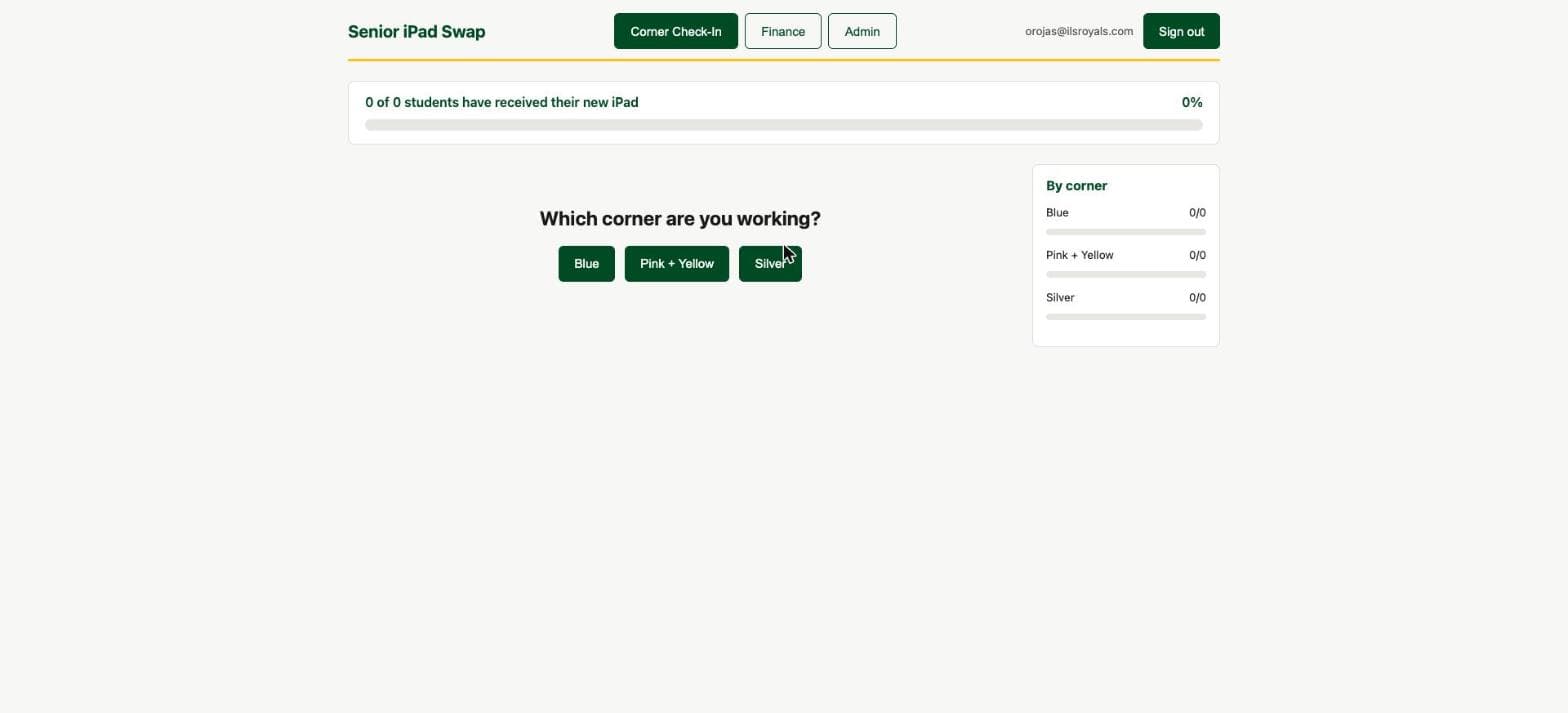
Once a year, the entire senior class trades in an iPad on a single day, split across three physical check-in stations. I built a tool that starts with a student intake form ahead of time (color choice, transfer status, self-reported damage), then gives each station a dedicated check-in screen and gives Finance its own screen for collecting fees. The two fee types aren't the same shape at all: a transfer fee is known ahead of time, but a damage fee is only discovered live at the corner and depends on the student's prior-damage history, so I modeled them as genuinely separate flows instead of forcing both into one generic "fee" field.
Impact
Who it serves: The senior class (~110 students) and the staff running intake, corners, and Finance on swap day
Before
Trade-in day ran on paper folders per corner: intake sheets, transfer status, and damage history all tracked by hand and reconciled by Finance afterward.
After
One app carries intake, corner check-in, and Finance fee collection through the day, with transfer and damage fees modeled as genuinely separate flows instead of one generic fee field.
Est. Annual Cost Saved
$240/yr
Estimate, not an audited figure. Methodology and sources are disclosed above for each comparable product.
What I Built
- Student intake form, separate from staff corner check-in and a dedicated Finance screen
- Two distinct fee types, a known-ahead transfer fee and a tiered damage fee based on prior-break history, never conflated into one field
- Auto-assigns students who never picked a color to a corner, load-balanced across all three and recomputable anytime
- Writes back to a shared damage-history list in a way that avoids double-triggering that system's own automated billing email
- A rehearsal mode so staff could practice their corner screens ahead of swap day
Screenshots
What I Learned
Modeling two conceptually different fees as separate flows, rather than one generic fee field with a type flag, kept the known-ahead and discovered-live cases from bleeding into each other's edge cases.
Writing a flag onto a shared history row prevented this app's own fee collection from double-triggering another system's automated charge email off the same underlying list.
Telling students and staff apart didn't need a separate allowlist, since the sign-in flow already carried that distinction.