2026 · INTERNAL TOOLS | INVENTORY
LTV Equipment Checkout
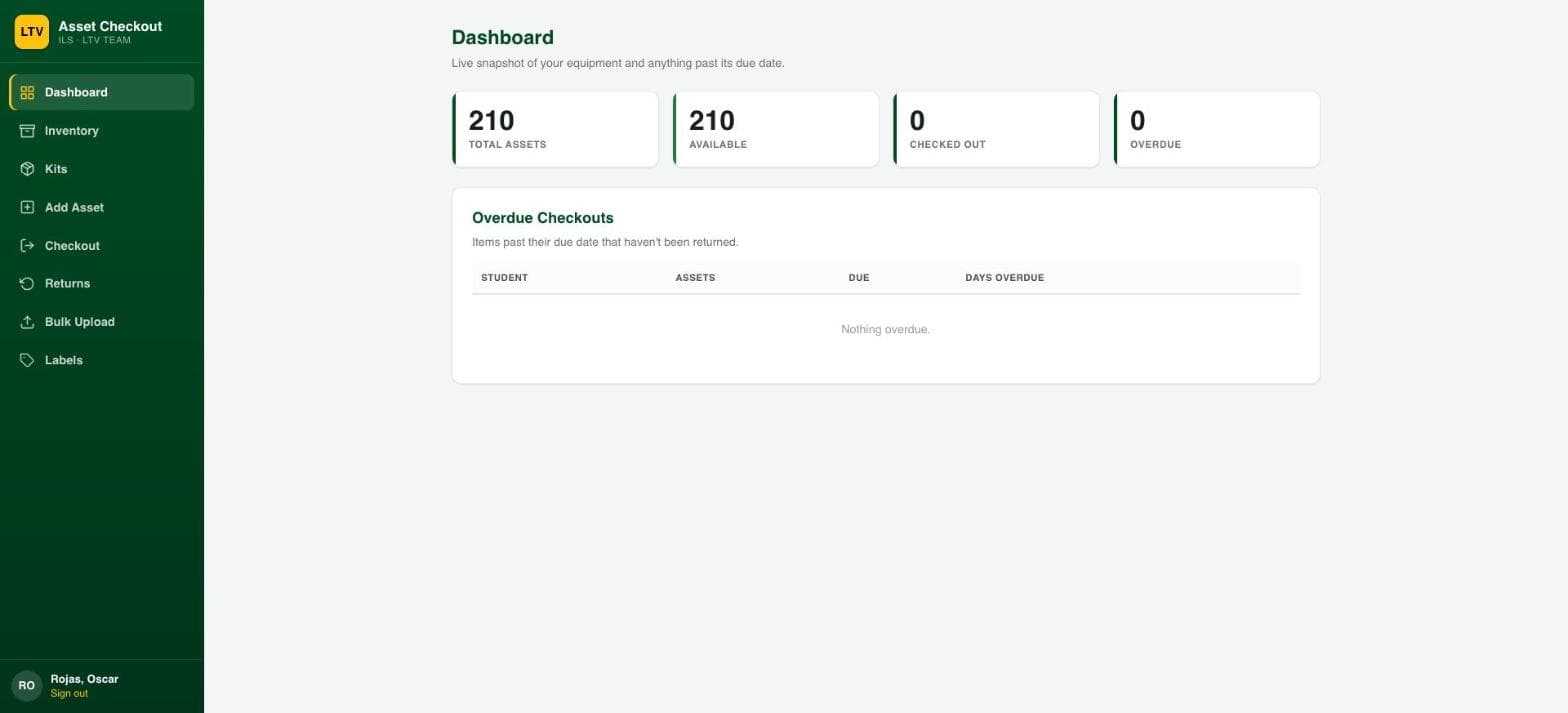
A checkout system for the school's media production department: QR-scan checkout, indivisible equipment kits, and an overdue-reminder flow, replacing a sign-out sheet for 170+ pieces of gear.
Built at Immaculata-La Salle High School
Tech Stack
Overview
The media production team tracked camera, audio, and lighting gear on a sign-out sheet, which meant no real record of what was out, to whom, or for how long. I built a checkout system backed by SharePoint: staff print QR labels for each asset, scan to check out or return, and see overdue equipment at a glance. Some gear only makes sense checked out together (a camera, its mic, and its lens), so I added "kits": bundles that check out and return as a single indivisible unit.
Impact
Who it serves: Media production department staff and students checking out ~170 pieces of equipment
Before
Equipment went out on a paper sign-out sheet, so there was no reliable record of what was checked out, to whom, or for how long, and no way to bundle gear that only made sense checked out together.
After
Staff scan a QR label to check equipment in or out, kits move as one unit, and overdue gear is flagged automatically instead of discovered by accident.
Est. Annual Cost Saved
$800/yr
Estimate, not an audited figure. Methodology and sources are disclosed above for each comparable product.
What I Built
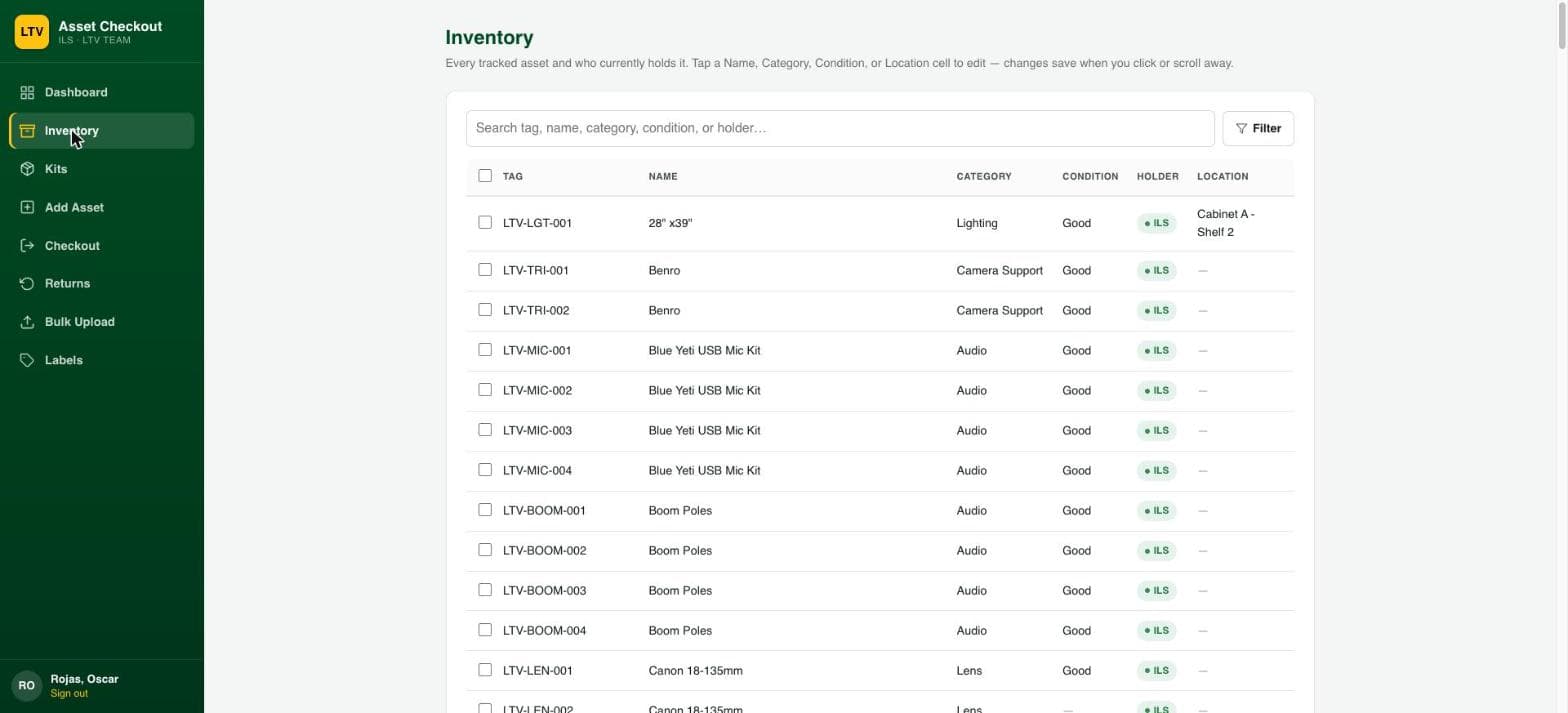
- QR-label scan-to-checkout (Avery 5195 labels) for both individual assets and kits
- Kits: indivisible equipment bundles that check out and return as one unit, with kit status always derived rather than stored
- Inventory search, inline cell editing, and double-checkout guards
- Auto-generated asset tags via a keyword/category classifier
- CSV bulk upload with a downloadable template
- Scheduled overdue-equipment email reminders
- Access restricted to named production-department staff
Screenshots
What I Learned
SharePoint's multi-value lookup columns write unreliably at volume. Modeled kit membership as a plain tag on each asset instead, and always derived kit status from that rather than storing it as its own field.
Azure Static Web Apps' free tier has some real constraints around how auth is handled, and working within them, rather than upgrading tiers, took a bit of creative problem-solving to keep the whole app on free hosting.
A scheduled reminder flow built as a timer-triggered Function first ran into consumption-host and TLS-inspection proxy issues in this environment. A scheduled Power Automate flow reading the same SharePoint data sidestepped both.