2026 · INTERNAL TOOLS | EVENT OPS
ILS Scavenger Hunt
A photo-submission scavenger hunt for a scheduled school event window, with an admin override to open submissions early or late.
Built at Immaculata-La Salle High School
Tech Stack
Overview
Built for a scheduled school activity where students submit up to 10 distinct photos, grade-tagged, during a fixed daily window (2:15–3:30pm ET). Each photo is hashed client-side to block duplicate submissions, enforcing the 'no repeats' rule automatically instead of leaving it to staff to eyeball. Staff get an admin queue to review submissions and a window-override toggle to open submissions outside the scheduled hours when the day's actual schedule shifts. It's one of three sub-apps sharing the 'ILS Activities' Azure Static Web App alongside Fire Drill Checklist and Dress Approval.
Impact
Who it serves: 890 students
Before
A scavenger-hunt-style activity would normally run on paper or a generic form tool with no duplicate-detection and no automatic window enforcement.
After
Students submit through a purpose-built flow that blocks duplicate photos and enforces the scheduled window automatically, with staff able to override the window in one click if the day runs long or short.
Est. Annual Cost Saved
$749/yr
Estimate, not an audited figure. Methodology and sources are disclosed above for each comparable product.
What I Built
- Grade-tagged photo submissions (up to 10 photos) with client-side SHA-256 hashing to block duplicate images before upload
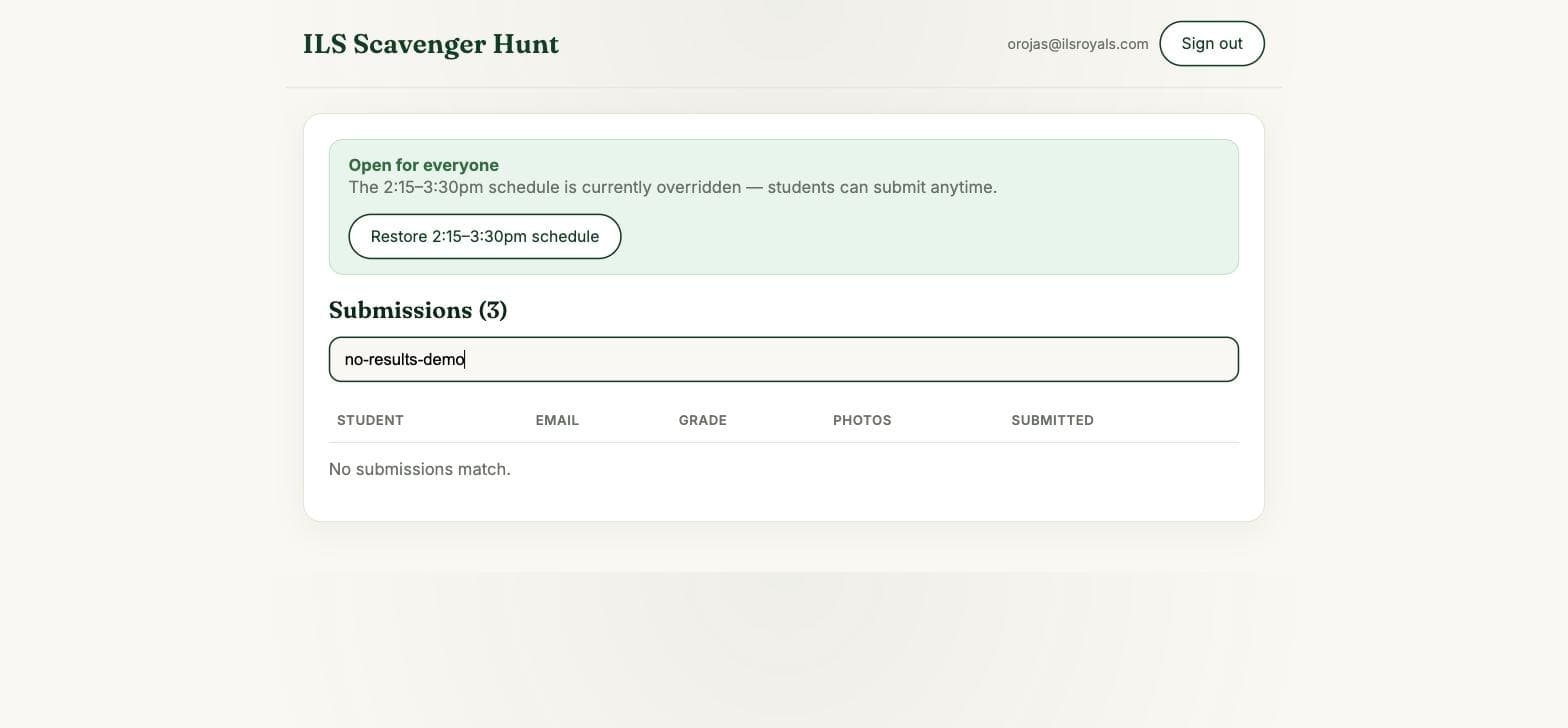
- Scheduled submission window (2:15–3:30pm ET) enforced both client- and server-side, with a staff override to force it open regardless of the clock
- Staff admin queue for reviewing submissions by grade
- Shared sign-in and rehearsal pattern with the other ILS Activities apps, so staff screens can be tested ahead of the event
- Post-launch fix: corrected a grade-column display bug found after the event went live
What I Learned
Hashing every photo client-side made 'no duplicate photos' an enforceable rule instead of an honor-system checkbox, the same pattern reused from Dress Approval.
A hard-coded submission window needed an admin override from day one, since a real event's actual schedule shifts and staff shouldn't be blocked from opening it manually.